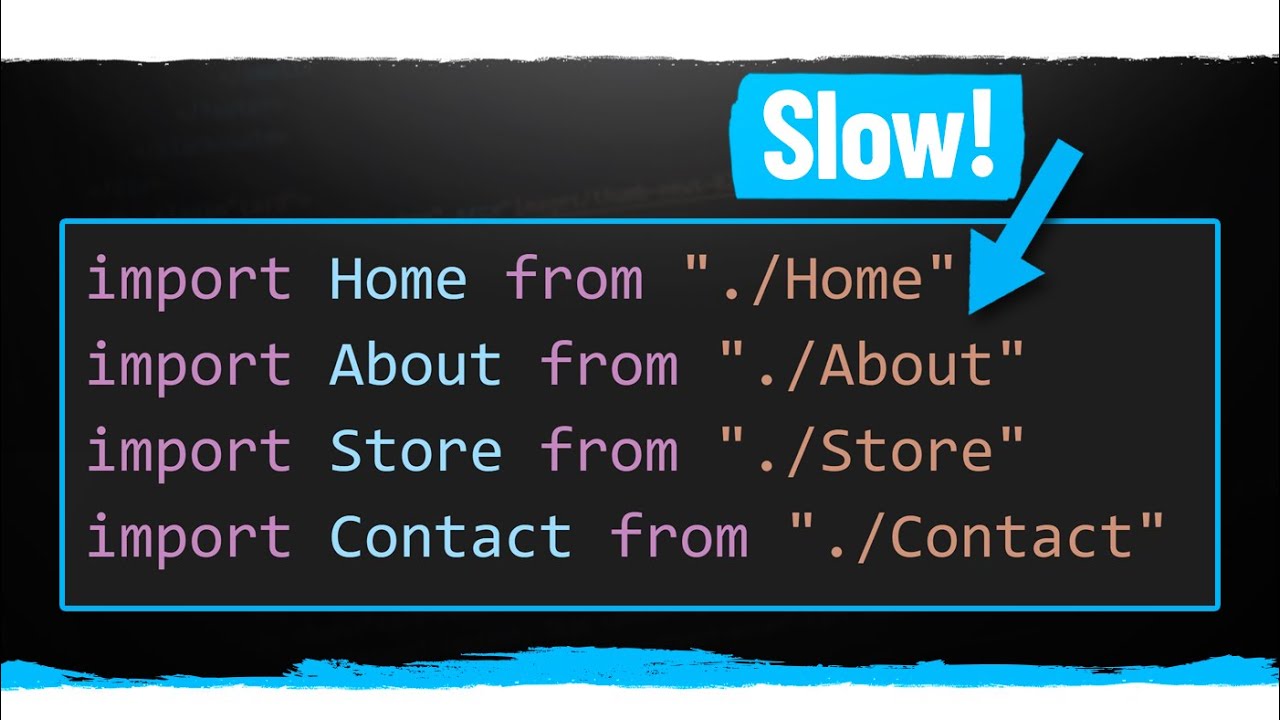
all right in this video we're going to learn how to lazy load routes with react router lazy loading is a technique where components not required on the home page can be split into separate code bundles and downloaded only when the user navigates to that page you can think of it as incrementally downloading the application it helps reduce initial load time thereby improving performance for our example let's learn how to lazy load the about page what i first want to do is make the about component bulky on purpose i'm going to go to lipsim. com and generate 20 paragraphs of text i'm going to copy the text and paste it in the about component now i want you to observe the bundle size when the entire app is loaded on initial load open dev tools open the network tab right click empty cache and hard reload you can see that the main chunk is about 10. 8 kb and takes 19 milliseconds to load now let's lazy load the about page and observe the difference to lazy load a route we need to use dynamic imports and react suspense step 1 i'm going to comment out the import statement for about page instead i'm going to use the dynamic import syntax for dynamic imports we need a default export of the component in about.
js remove the export keyword and at the bottom export default about in app. js use react lazy and dynamic imports so import react at the top and then the about component const lazy about is equal to react dot lazy lazy is a function that takes another function as argument this argument calls a dynamic import so import from the components folder from the about file let's move this to the bottom a promise is returned by this dynamic import which is then converted into a module that contains a default exported react component which of course is our about component so that is our step one step two we include the lazy component as part of the route configuration lazy about let's save the files and head to the browser if i now empty cache and hard reload you can see in the network tab the main chunk has reduced from 10. 8 kb to 6.
7 kb and time also has reduced from 19 milliseconds to 15 milliseconds we have improved our initial load time but there's a problem if we try to navigate to the about page we're going to see an error in the console a react component suspended while rendering but no fallback ui was specified to fix this error we have to use the suspense component from react in amp. js i'm going to wrap the lazy about component with react suspense so react dot suspense opening and closing tags will wrap the lazy about component on react suspense we have to specify a fallback prop which can be any react element for now i'm going to leave it as the text loading if you now go back to the browser network tab home page empty cache and hard reload you can see the main chunk is still 6.