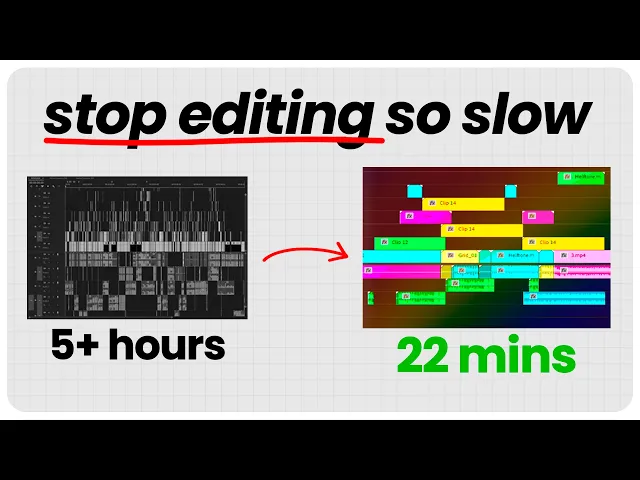
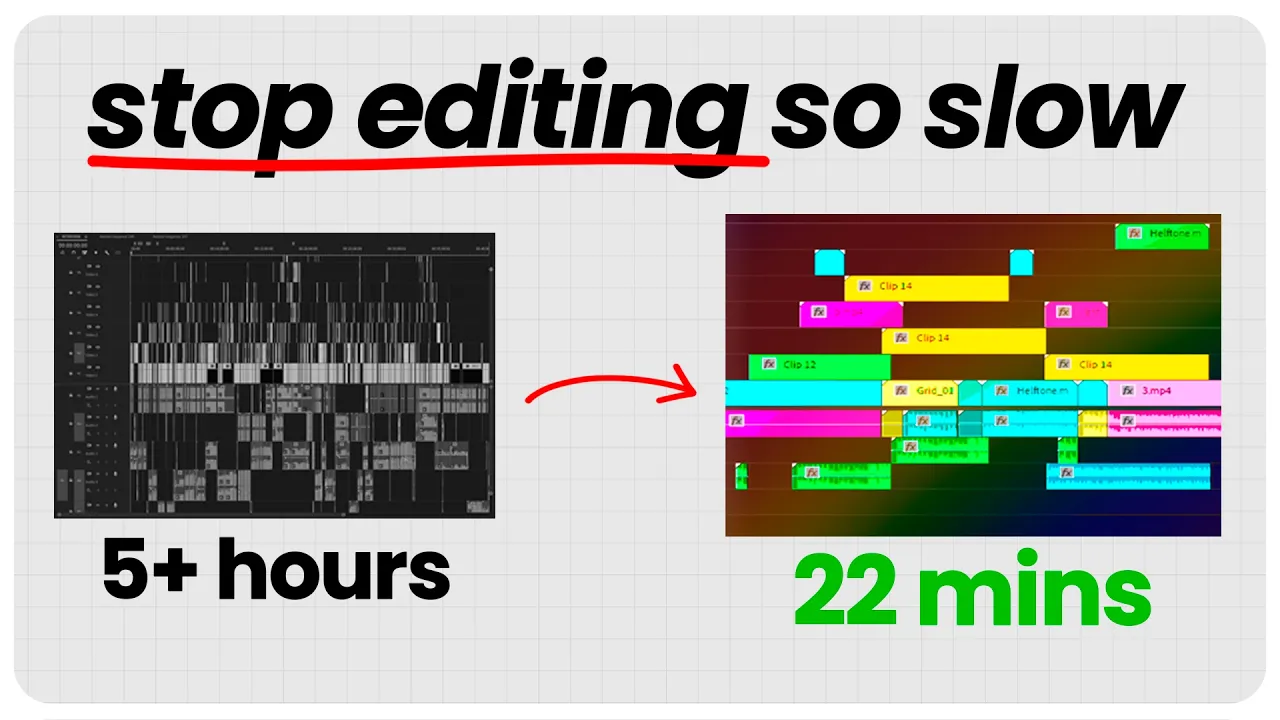
I'm a 21-year-old full-time video editor and since I get paid per video I make I literally earn more the faster I can make videos so let me show you how I figured out how to edit 10 times faster and make the videos look better at the same time so the first way to edit way faster is to be trash trash collecting that's because it's called the Wally method and if you invest an hour into this you will save yourself days of time so please pay attention because it will also make your videos look way better
no way yes way here we go so w takes some raw materials crunches it together in his machine and out comes a beautiful product and it does it incredibly fast and that's why we want to create our own Wally but how do we do that well we have our raw materials we put it into our Wally machine and outc comes a beautiful product so how do we make this amazing Wally machine here's are three steps simple steps that you need to do the first one is you open a new project and call it Factory and
then whatever style you're editing in it can also be for a client if you have multiple clients that you edit in different styles that's what I have so for the Second Step you simply have to do this you put in all the materials you have in that video style so that can be animation transition tile Card sound effects backgrounds icon text effects music LS anything and as you can see I've actually categorized it here so I have an own section of animation and title cards and lower thirds and so on and you don't have to
be that much this is for another client I have another Factory and it's way simple you can see and just put in everything you have and if you don't know where you can find it you can either go through previous edited videos and just copy paste it in you can find elements online like on inato Elements which I use you can also make your own which I also do a lot actually and the cool thing about this is you only need to do these once because here's the thing once you have this Factory you can
just copy paste these elements into the video you're making super super super convenient and saves you a lot of time and it's actually also convenient for the client because as you can see here this was like a really nice animation I made for like with a pyramid and then instead of using hours upon making this animation I just copy it in and change the text and voila then now it makes sense for that video you know and if you do this you're going to deliver the videos way faster to the client you're going to keep
the the same style and brand for your videos which makes them way more consistent and people will love that including yourself it makes them look way cleaner your videos so it's a win win for everybody now this next trick is short and simple here it is every editor has tried to edit on a trash computer at one point uh like where it's really laggy and you barely can keep the project together and keeps crashing but what if there was a trick that would that made lagy projects being able to edit 4K footage without upgrading your
PC because I know it could be a bit expensive here's what you do you simply create proxies when I edit on my laptop which is powerful but not like super powerful and I want to edit 4K footage this is what I do and you might already know what it is but I wish I knew this from the start because it made it so much easier to edit so essentially what a proxy is is you have the original footage and then you set it to make it a proxy which is lower quality of it but then
when you render it it uses the original footage so it's actually high quality once it's finished it's just while you're editing it's a lower quality version and the way you do it you can do it in most editing programs in premere you just right click the footage and press create proxy super simple and when you do that you just press okay over here you can set frame size to quarter uh and then it just takes some time and after it's done rendering there you have a own proxy and you can toggle it with with the
with that button right there on the playback so that's how you go from having a trash computer to a super computer without changing the specs now the third method which I really love I use it a lot in the beginning is the purple filter uh so here's the thing let's say you've edited something super awesome you spent a lot of time on editing it and super cool animations and sound effects and everything so then you watch it again because like it kind of feels good seeing what you've done you know and fair enough I mean
I do that as well but then watch it again and you watch it again and you maybe change some small things but you barely change anything and it's kind of satisfying to watch something you edited well right but be careful it doesn't turn into a hidden form of procrastination which you can easily do and it's going to slow down your editing project so so much it's incredible so it basically steals your time if you do this too much but how can I avoid this well that's where the purple filer came in because I asked myself
this question and I came up with this solution so basically I have this this color here and I L just put it in over Parts I've edited and think I'm pretty done with this and then I whenever I like I go back to like see uh this part again it just see a purple filter like purple on the playback and I'm like oh no mind better get back to editing you know and then at the end I can like rewatch it and say okay can I improve something like so I don't rewatch it thousand times
but instead I rewatch it when I actually need to super super powerful but it it can really help you creating the right habit of keep going and and Ed it fast now this last one this is the the one shortcut that literally doubled my editing speed and you can see here so there are so many shortcuts is in editing program so many but I barely use any of them and you probably do the same so I discovered this button it was the L button and in Premier Pro it doubled the playback speed but there is
a problem with this because here's the thing for a shortcut to be actually used it has to become a habit and the thing is when when you have the L key you you can't make it a habit because who who edits and then suddenly moves the hand over to the L key like that's way too far away so when you find a shortcut in Premier Pro like this one that really double the playback which is really good at cutting you know uh original footage down take advantage of them and the way you can do it
is just put it on your mouse put it on or like an easy convenient place where you can just press it um so I can't recommend it I use it all the time now so there's actually one last thing I want to show you and this thing will super power your editing speed and if you don't do it this video won't really matter and you can see why if you check out this video here it will make you even faster video editing so go check it out and thank you for watching hope it makes your
video editing faster