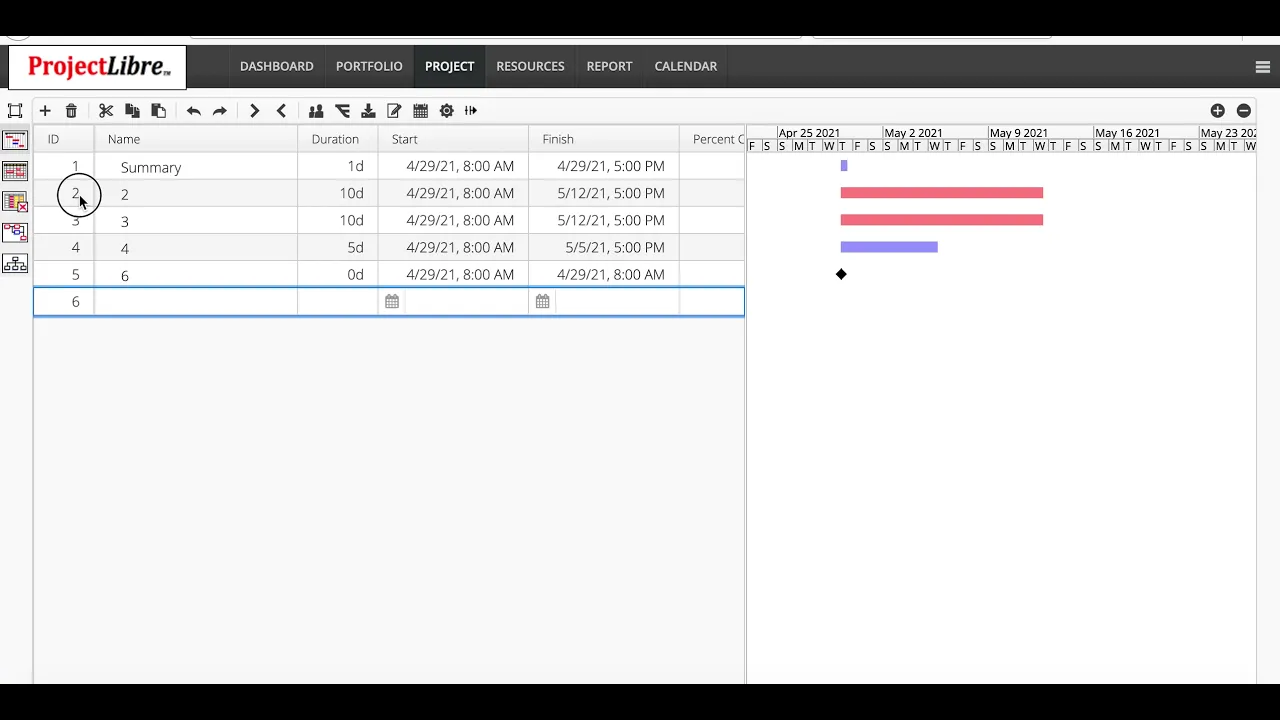
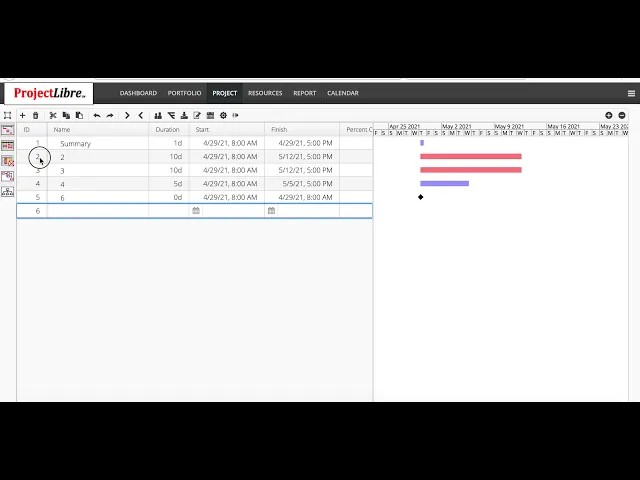
the project is created we're ready to enter the project so we click on the project we want and the i and this will open it up in project libre cloud in the project tab and we can enter in the spreadsheet the spreadsheet can actually be changed you can broaden it in this case the name is quite large we can zoom that in so i'll say a summary task we'll give it task two three four five six we'll just give these and they default to one day durations i'll say this is ten day this is ten
day we'll call this a five day and we'll say this is zero and again we can scroll over and take a look at our tasks here if i highlight these tasks i can actually indent and create a summary structure here so that we can roll both data for cost schedule etc up there and we've got our tasks here we can now link our tasks we can say this is a precedence relationship and this is and we can say they both then feed into this milestone here and we have established our project you can see the
summary task has now been extended out there it by default links to finish to start if we click on the link there we can actually say this task for instance is start to start so these tasks need to start together and you can see that that task has now moved forward















![Tzanca Uraganu - Nu stati in fata la boss [videoclip oficial]](https://img.youtube.com/vi/EiTrgbIY-Lk/maxresdefault.jpg)