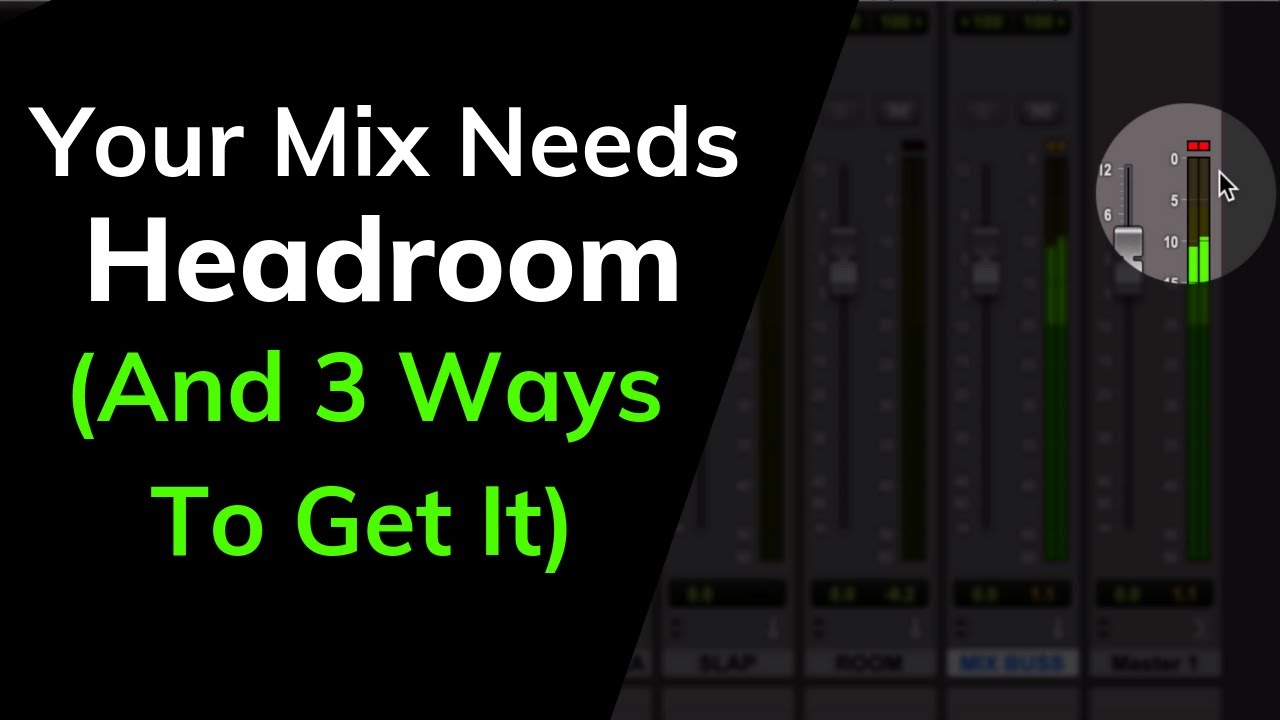
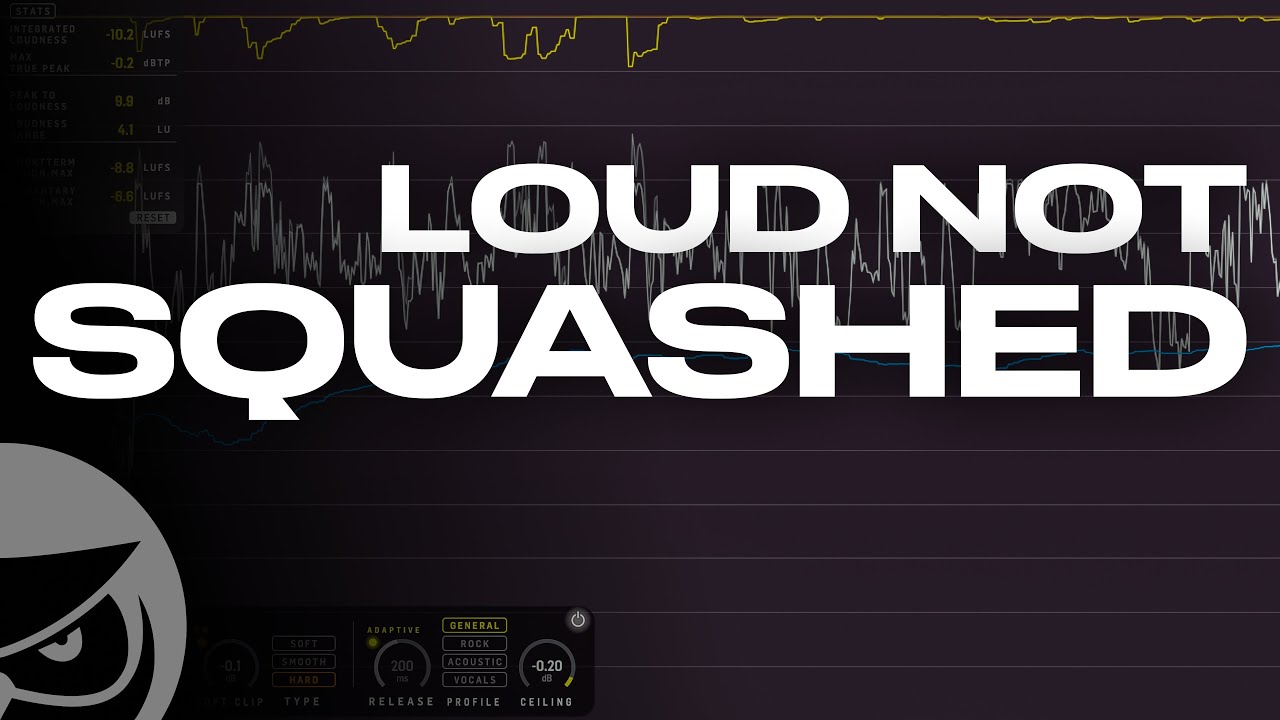
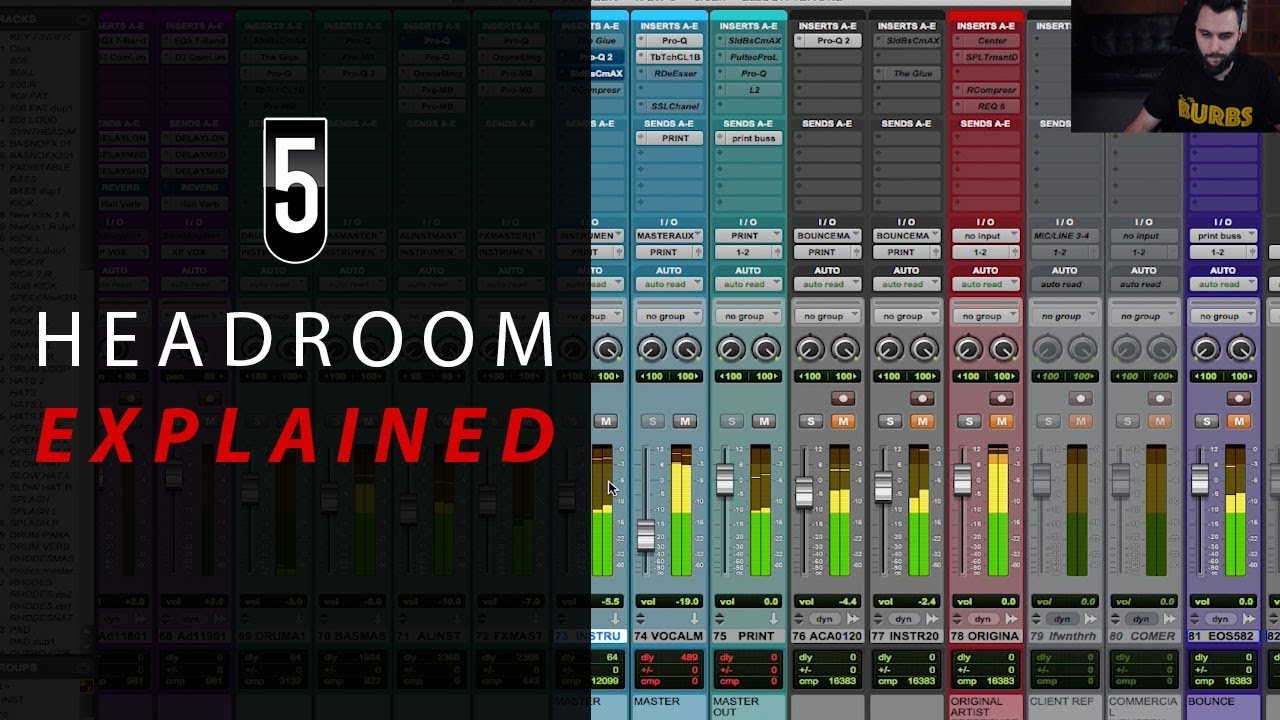
hi and welcome back I just want to quickly deal with this little Canard which I see popping up all the time you need to leave 6 DB of Headroom if you're sending your mix off to a mastering engineer as we say here in the UK this is bollocks PCM audio is completely linear right up until the point of clipping so from an audio quality perspective there's no difference between a mix that Peaks at -6 dbfs and a mix that Peaks at minus 0.6 dbfs if your mastering engineer wants more Headroom to work in they can
just attenuate your mix accordingly the only thing you need to avoid is going over full scale and even that isn't a problem if you render a 32-bit float file there are reasons to leave a sensible amount of Headroom however first of all if you mix like that anyway you'll just have an easier time of it mixing with plenty of Headroom is both easier and more fun than being pushed up hard against the limits all the time trust me I used to make the same mistake second if your mix has plenty of Headroom your mastering engineer
doesn't have to check for clipping it's immediately obvious that you're nowhere near full scale and they don't have to check your Peaks to see if they're actually clipping or just uncomfortably close to it it saves them a bit of time and hassle which adds up if they're dealing with a full album third submitting mixes with Headroom makes you look like you know what you're doing it suggests that you mixed with plenty of Headroom like a seasoned Pro even if you actually didn't so next question let's assume your mix is very close to clipping or actually
hitting the red I often see the question how should I bring it down I tried lowering all my channel faders but it changed my mix which kind of makes me want to scream what exactly do you think the master fader is there for no it's not going to compromise the quality in any way just turn down the master fader so you're not clipping and you have a sensible amount of Headroom seriously this is fine don't over complicate it there's only one scenario in which you need to leave your master fader at Unity if you're applying
16-bit dither pre-fader and rendering to a 16-bit file but you're sending this off for mastering so you're not doing that right you're rendering a 24-bit file and telling the Daw to apply its own dither right or you're rendering a 32-bit float file that doesn't require dither or you're rendering 24 bits and just not bothering with dither because quite frankly no one will ever know the difference but you're not dithering to 16 bits with a plugin on your master therefore there's no reason to keep it at Unity gain okay that's all thanks for watching