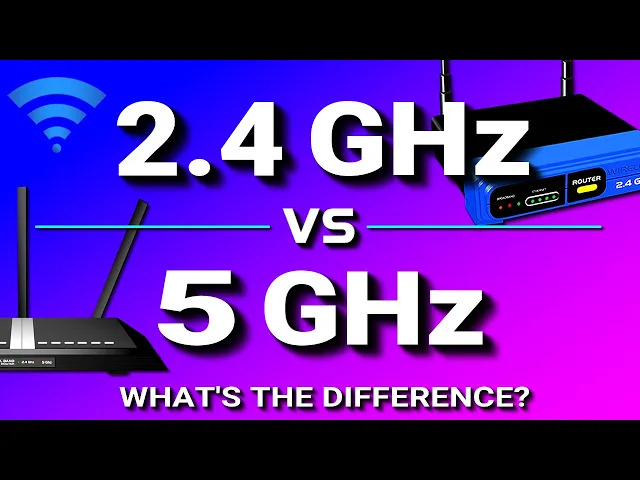
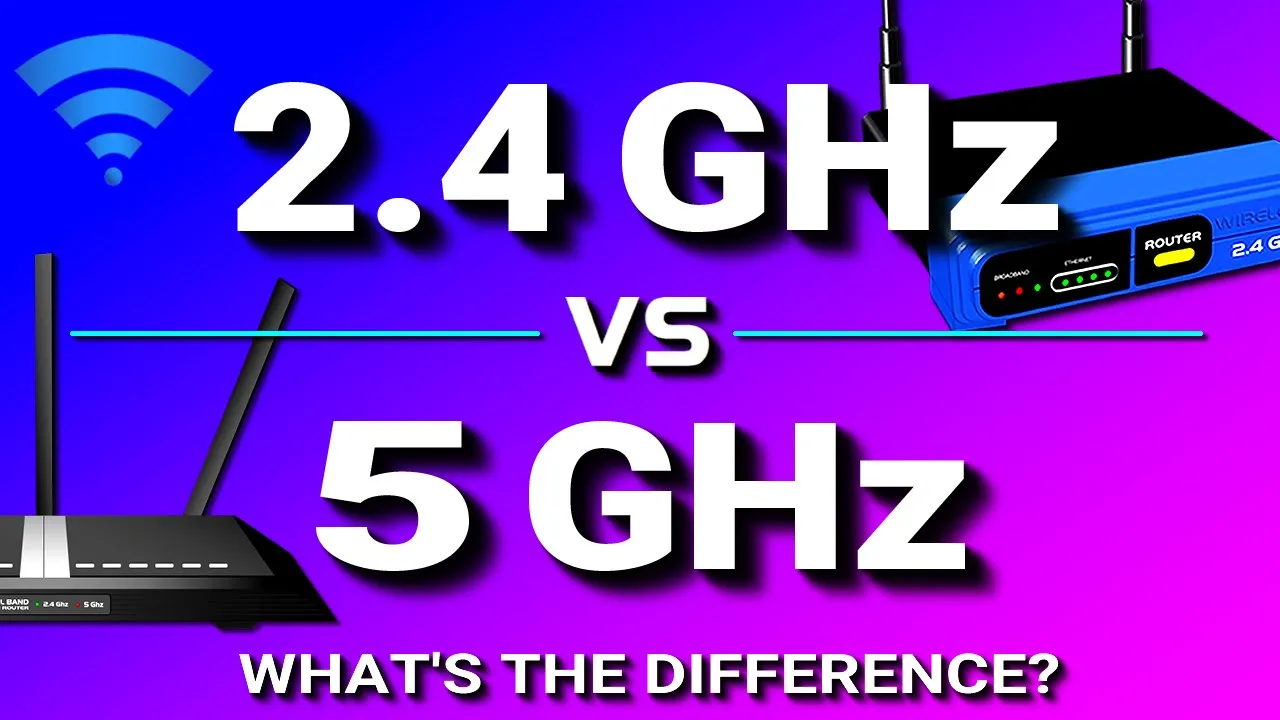
Hello everyone Have you ever purchased a new Wi-Fi router and you notice that the router has both 2. 4 gigahertz and 5 gigahertz frequency bands? Or maybe your existing router has both of them And did you ever wonder why some routers have these dual bands?
So that's what we're going to talk about in this video Now a frequency band is how wireless data is transmitted between devices These bands are radio waves that carry the data and these bands are either 2. 4 gigahertz or 5 gigahertz Now a lot of Wi-Fi routers will only transmit one of these bands, which would be the 2. 4 band and that's because it's the most common frequency and these are called single band routers But a lot of newer Wi-Fi routers will transmit both the 2.
4 and 5 gigahertz bands And these are called dual band Wi-Fi routers Now, the 2. 4 band works pretty well It's the standard band But the problem is that it's not just a standard band that's used in Wi-Fi routers It's also the standard band that's used in a lot of other devices, things like microwave ovens, cordless phones, bluetooth devices, and wireless cameras, all used a 2. 4 gigahertz band and his became a problem because the fact that so many other devices use the 2.
4 band, the signal became overcrowded and was causing a lot of interference with Wi-Fi signals and when this happens it slows down the Wi-Fi network speed and Sometimes could cause you to lose connection to the Wi-Fi router So that is why the 5 gigahertz band was added the 5 gigahertz band is a newer band And so it's not as commonly used as the 2. 4, so it's used by fewer devices And because it's used by fewer devices, the 5 gigahertz is not as crowded So there is no interference or minimal interference So using the 5 gigahertz would relieve the problem related to slow network speeds and connection drops that will be caused by interference from other devices Another reason why the 2. 4 is more vulnerable to interference is because of the difference in wireless channels Now if you're not familiar with what a wireless channel is, a wireless channel is just a way to fine-tune and alter a frequency Sometimes you might need to change to a different channel If you are experiencing interference from different wireless devices and changing to a different channel will give you that ability The 2.
4 gigahertz band has 11 channels to choose from but of these 11 channels Only 3 are non-overlapping So basically you have three solid channels to choose from. But the 5 gigahertz has more channels. It has 25 non-overlapping channels And some other differences between a 2.
4 and 5 gigahertz band is the speed and the range that they cover. The 2. 4 gigahertz band Transmits data at a slower speed than the 5 gigahertz But it does have a longer range than the 5 gigahertz.
The 5 gigahertz band transmits data at a faster speed Than a 2. 4 but it has a shorter range. The 5 gigahertz has a shorter range Because it has a higher frequency and higher frequencies have a harder time penetrating solid objects, such as floors and walls in a building So as you can see on this illustration this dual band Wi-Fi router is broadcasting a 2.
4 gigahertz band Which is the green color and it's also broadcasting a 5 gigahertz band, which is the red color so as you can see the 2. 4 band has a longer range and the signal can cover most of this building and It can also penetrate the second floor and the walls But the 5 gigahertz band has a shorter range The signal doesn't penetrate the second floor or the walls which limits its range inside a building So the question is, which band do you want to actually use? And that really depends on your situation.
they both have their advantages and disadvantages. The advantage of a 2. 4 gigahertz is that it has a further range and it can penetrate solid objects better however the disadvantage that it has is that it's more vulnerable to interference because so many other devices use the same band and it's also slower than the 5 gigahertz And the advantage of the 5 gigahertz is that it has a higher transfer speed and it's less vulnerable to interference But at the same time it does have a shorter range and it has a harder time penetrating through solid objects.