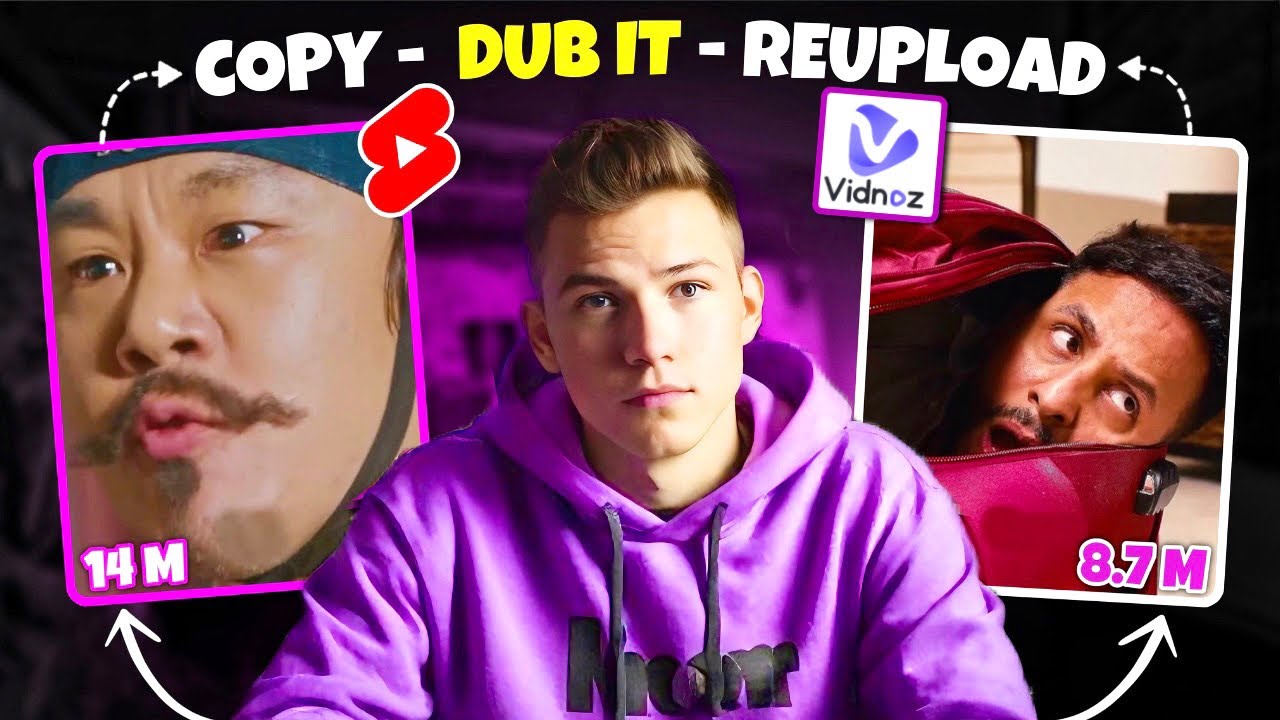
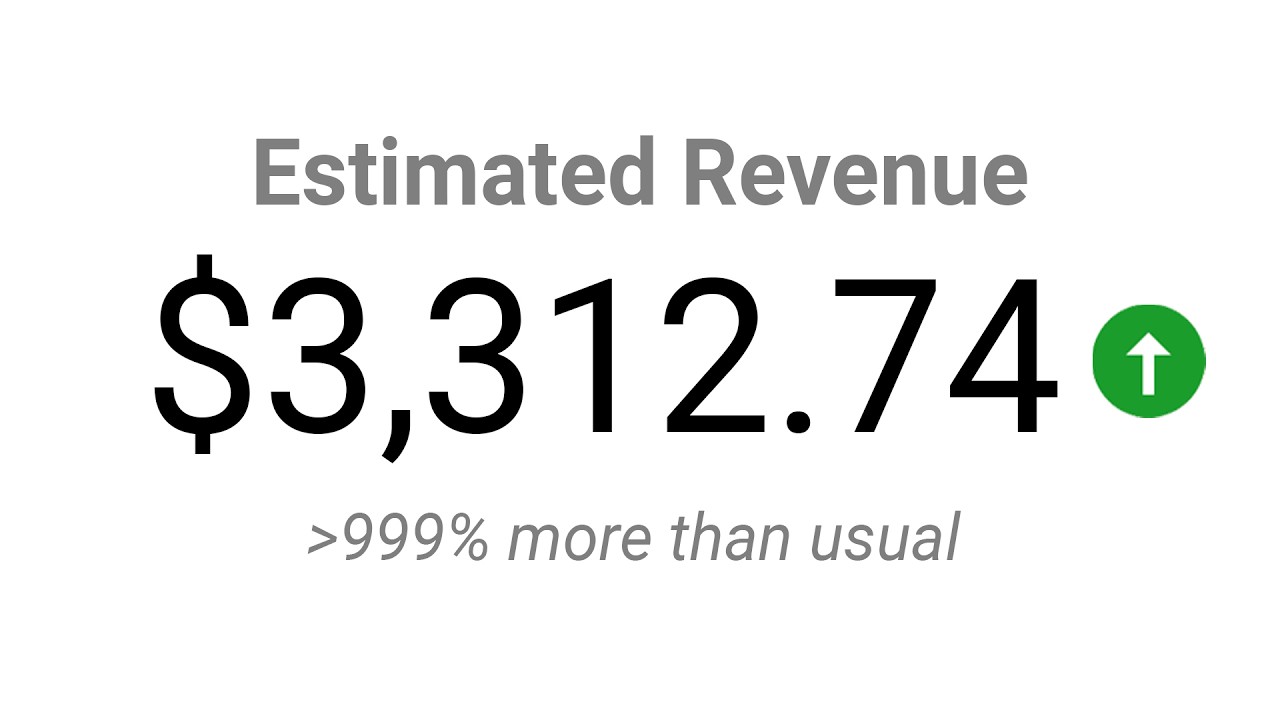
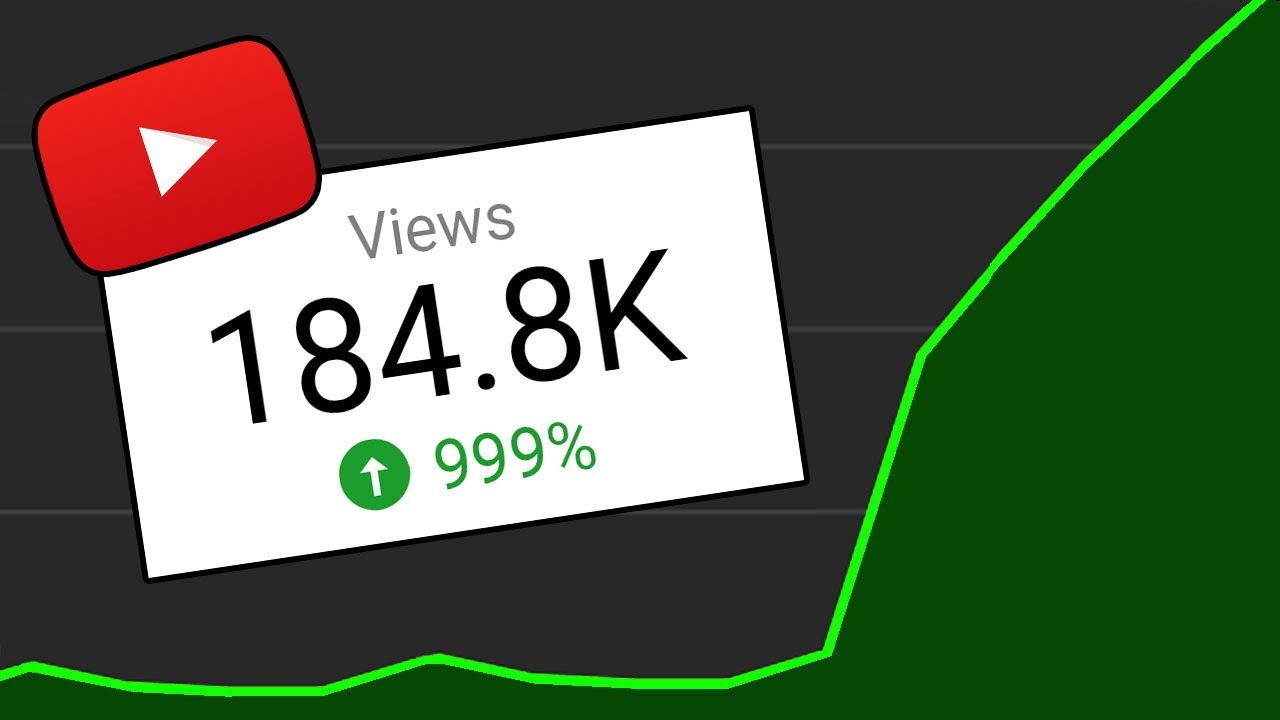
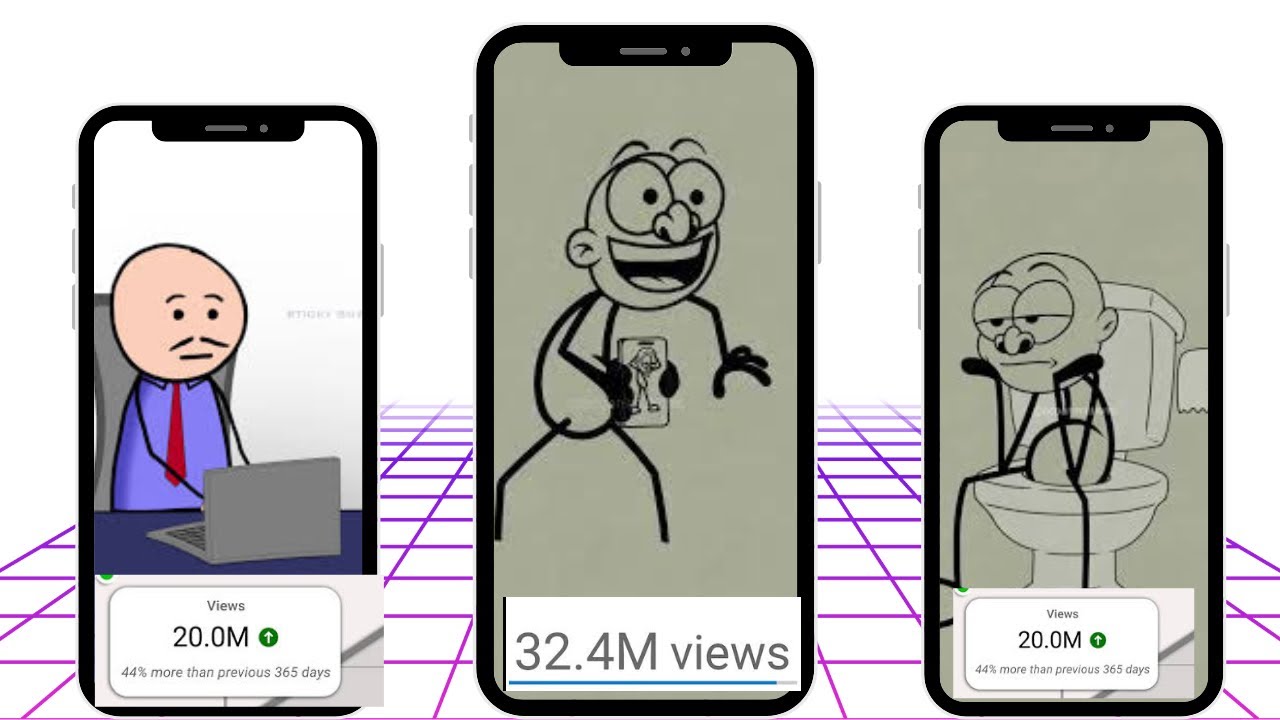
hey everyone in this video I'll show you how to create a successful YouTube channel by reposting videos from Instagram check out this channel that downloads Instagram videos reacts to them and then uploads the reactions to YouTube their most popular video has over 400 million views and they've amassed a total of 11 billion views I'll teach you how to start a similar YouTube channel using AI don't forget to subscribe and like the video to support our work grab a cup of hot tea and let's get started all right the first step is to open your Instagram
account and we will be looking for videos that are trending or highly engaging okay one of the best ways to find trending videos is to click on explore here you're going to see only videos that are trending with high engagement rates so go through them and ensure you have a niche in mind this is very important if you want to grow fast on YouTube it's very important to stick to one Niche if you want to make videos about funny moments football shorts or animal content just make sure you stick to it all right so for
the sake of this tutorial I will be going with the animal Niche what you simply need to do is find a video earlier today when I was doing research for this video I came across a video that I would like to use so I saved it if you've seen a video you'd like to download what you simply need to do is click on the three dots at the top right corner and then simply click on copy link now this is where it gets interesting because I'm going to show you guys how you can download this
video create your avatar and also create your voice over for this we are going to be using an AI called dubdub first of all let's download the video click on view all tools in dubdub and now select video downloader scroll down and click on paste and now click on parse links when the AI is done processing the link you can simply click on download video the video is going to be saved on your device all right then next step is to use chat GPT to write a script if you find it difficult to write your
captions by yourself pay attention here what you just need to do when you are in chat GPT is click on this icon over here and upload a file from your computer I'm going to be selecting the video I downloaded earlier click on it and upload it to chat GPT simply ask it to write a short documentary about this video you can just summarize what the video is about so it can understand what the video is about for example in this video you are going to be talking about beavers and their well-known ability to fall trees
just enter a basic prompt like this and Chad GPT will provide you with an engaging script all right when you've done generating your script the next thing we need to do now is to create our Avatar and also the voice over so let's go back to dubdub and click on AI Avatar now this window is going to come up you're going to see photo Avatar gesture Avatar and AI image but for this video we're going to be going with gesture Avatar the reason is that gesture avatars can create expression while photo avatars and AI images
are just stagnant with no expression on the right hand side you're going to see AI voice upload and record these are the three ways you can add your voice over so first of all let's select the Avatar we're going to be using I'll be going with this guy then what you just need to do now is go back to chat GPT and copy your script part by part I know most people will want to generate their script at once but the reason why it's advisable to generate the script part by part is that sometimes the
AI gets carried away and produces poor quality voiceovers all right the next thing you need to do now is to select your voice over to do that click on this over here and select your preferred voice if you would like to clone your voice all you need to do is click on my voices and then click on add voice put the name of the voice upload the voice and select the video description the gender accent and age then you can add the voice after you're done adding your voice to select it just click on it
and click on confirm all right right then you can now click on generate talking Avatar at the top give the AI some time to generate your avatar okay it's generated successfully to save it to your PC just click on the three dots here and click on download video before we go into the next step which is editing let's talk about fast Moss are you a Tik Tok seller looking to boost your business look no further than fast Moss the biggest Tik Tok data analytics platform with over 700 ,000 satisfied users including More than 70% of
Tik tok's top 500 shop owners fast MOS is the go-to choice for datadriven Success fast MOS provides the most comprehensive Tik Tok data analytics helping you make smarter decisions and grow your business like never before you can easily create an account using either your Gmail or Tik Tok account once logged in you'll find valuable tools such as top selling products and newly listed items on the platform along with their rankings for example if you're searching for a product to promote on your Tik Tok account simply log in to fast Moss go to the top selling
products section select the relevant category EG men's Weare and browse the various products available for promotion if you're interested in using fast Moss you can register using the link provided in the video description below the next step is to edit the video and I will be using cap cut you can use any editing software you are familiar with I'm going to be using cap cut because it's free and easy to use first of all click on modify and change your aspect ratio to 9x6 as this is the standard frame size for YouTube shorts Okay click
on Save now we can start importing our files so basically import the clip from Instagram and also your avatar videos first of all drag the clip into the timeline just like this so we now need to crop the clip so that we can add our Avatar at the top to crop the clip you just simply need to reduce the size and click on confirm to save the settings now it's your decision if you want the clip you are reacting to be at the top of the frame or below add the Avatar to the timeline as
well and resize it just like this always remember to move the caption in between the Avatar and the clip so the viewers won't get distracted in any way another thing you can do to boost engagement is to use emojis and annotations this is going to make people pay close attention when watching the video and therefore it's going to increase your engagement rate all right so I'm going to add one or two emojis to the video and then when you're done with that just click on export and your video is ready to be uploaded to YouTube
now let's preview what we've done so far beavers are well known for their remarkable ability to fa trees and construct dams and lodges one fascinating aspect of their behavior is their attentiveness while cutting down trees beavers use their strong teeth to gnaw Through the Wood and during this process they often pause to listen to The Sounds coming from the tree this pause allows them to gauge the tree's stability and determine how much longer they need to chew before it falls the sound changes as the tree weakens the cracking and rustling noises can indicate that the
tree is about to come down trust me guys you can 100% monetize this video remember you can do this in any Niche I just use the animal Niche just to show you as an example you can choose football documentaries funny clips or whatever Niche you want to make videos about so thank you guys for watching please let me know in the comments section if you have any questions that you would like me to answer and also if you have a video request in the meantime watch this video next to learn how to create a movie
explanation Channel


![I Replaced ALL my ADOBE APPS with these [free or cheaper] Alternatives!](https://img.youtube.com/vi/5EfqHg49kMk/maxresdefault.jpg)